Quick answer: Most wasted generations come from four decisions made before the model reads the prompt: an unclear subject/action split, reference media that fights the native aspect ratio, a duration that will be quantised, and a prompt that asks for two shots inside one clip. Run these twelve checks first. It takes about two minutes and removes the single most expensive failure mode, which is re-rolling the whole clip because one clause was ambiguous.
Checks 1–3: is this even one shot?
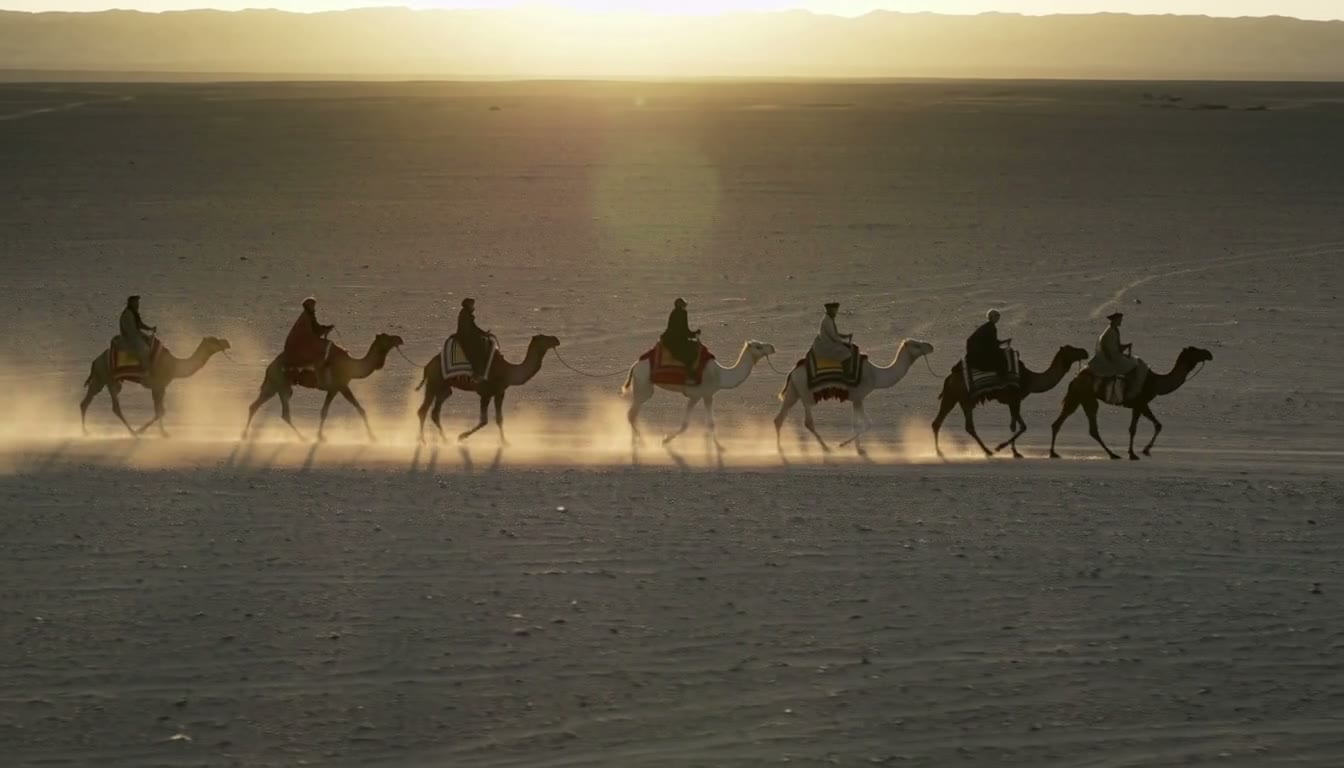
1. One shot per generation. If your prompt contains "then", "and after that", or "cuts to", you are describing an edit, not a clip. Split it. Models that try to satisfy two beats tend to compromise both, usually by making the first beat too short or freezing the second.
2. Separate the subject, the action, and the camera. Three clauses, in that order. "A woman in a red coat walks toward the camera, slow push-in" is three decisions. Merge them into one sentence and the model has to guess which one is the subject of the shot. When a generation comes back wrong, it is usually wrong in exactly one of these three, and you cannot tell which if they were fused.
3. State the end state, not the process. "The cup is on the table, steam rising" describes a frame. "The cup is being placed on the table" describes a process, and a short clip cannot show it. Ask for a state you can screenshot; the motion inside it is the model's job.
Checks 4–6: did you pin the format?
4. Aspect ratio is an input, not a post-processing step. Decide the delivery ratio first — 16:9, 9:16, 1:1 — and request it, rather than generating 16:9 and cropping. Cropping a 16:9 clip to 9:16 throws away about 68% of the pixels and, worse, throws away the framing you asked for. Vertical also changes what the model emphasises; it fills a tall frame differently.
5. Check whether your duration will survive contact with the frame rate. Many pipelines convert requested seconds into a whole frame count and then report the real length. A request for 1 s can come back longer than a request for 5 s, proportionally. Before you build an edit around exact durations, verify one short clip at your lowest tier and measure it — not by trusting the number in the UI.
6. Pick the resolution tier by what the edit needs, not by the highest number. If the clip appears in a 640 px wide insert, a higher tier buys nothing but time and money. Higher tiers are also usually much slower per second of video, and the difference is not linear.
Checks 7–9: are the inputs compatible?
7. Count your reference images and know their roles. There is a difference between "this is the character" and "this is the style". Most models take several references but apply them positionally or with different weights. Passing six images and hoping is how you get a character wearing the reference image's background.
8. Frame-based modes need both ends if you want both ends. First-frame and last-frame conditioning are different inputs. If you only provide the first frame, asking for a specific ending is asking the model to improvise the part you cared about.
9. Decide who supplies the audio. Some models generate a soundtrack by default; some only accept audio you provide. This changes your workflow, not just the output: if the model generates audio, you may need to strip it; if you supply it, the clip length may follow the audio rather than your requested duration.
Checks 10–12: cost and exit plan
10. Know whether input seconds are billed. Video-to-video and reference-to-video jobs often bill input duration at the same rate as output. A "5 second" job with 6 seconds of input video can bill 11 seconds. Budget the input, not just the output.
11. Know the reference-image free tier. Several lanes include a handful of reference images and start charging per image after that. A prompt with nine references can cost meaningfully more than the same prompt with four — and usually four is enough.
12. Decide the crop and the delivery format before rendering. Every rescale after the fact costs quality and time. If you know the clip ends up in a 1080×1350 slot, generate for that slot.
The order that matters
If you only do three of these, do them in this order:
- Check 1 — split multi-shot prompts. This is the single biggest source of full re-rolls.
- Check 4 — request the delivery ratio. This is the most common post-processing regret.
- Check 10 — read the billing rule for input seconds. This is the only one that silently changes your budget.
What this checklist does not fix
It will not save a prompt whose subject is genuinely ambiguous to a human reader, and it will not compensate for a model whose native canvas differs from your target. Those are content and capability problems, not checklist problems.
FAQ
How long should a first test clip be?
The shortest duration the tier allows. You are testing composition and motion, not rendering an edit; a shorter clip surfaces the same failures for a fraction of the cost.
Should I write prompts in English?
If the model's documentation is in English, yes — but keep proper nouns and any on-screen text in the language it needs to appear in. Mixing instructions in two languages inside one clause is a reliable way to get neither.
Do I need a storyboard for a five-second clip?
No, but you do need to know which single moment the clip is about. A storyboard is how you discover that moment when it is not obvious; for a one-shot clip, one sentence naming the moment is enough.
Does any of this depend on the model I use?
The framing (checks 1–6, 10–12) is model-agnostic. The numbers (checks 5, 7, 11) are not — verify them per model, per lane, and write down what you measured, because the documentation and the rendered file do not always agree.
About the author
- Callirra is one workspace for AI image, video and audio: 50 media models, 11 multimodal chat models, prompt polish, a private asset library, saved Constellation workflows and AI Filmmaker. The team writes here about real credit costs, model comparisons and release notes. Product and pricing: callirra.com
Comments
Join the discussionBookmarking this before our next batch run.
The reference-ratio problem shows up in motion work too. We keep a batch of pre-cropped references per output format, which cut retries noticeably.
Curious how you handle the aspect-ratio mismatch when the reference is a phone clip. Do you crop first, or let the model re-frame and accept the drift?
We crop first when the subject already fills roughly 60% of the frame — a straight crop keeps framing predictable. Below that we let the model re-frame, because cropping a wide shot into 9:16 tends to slice limbs or on-screen text at the edges. The drift is real though, so we constrain subject position in the prompt and re-roll rather than try to fix it in post.